Studioshot Team
Published
23/2/2026
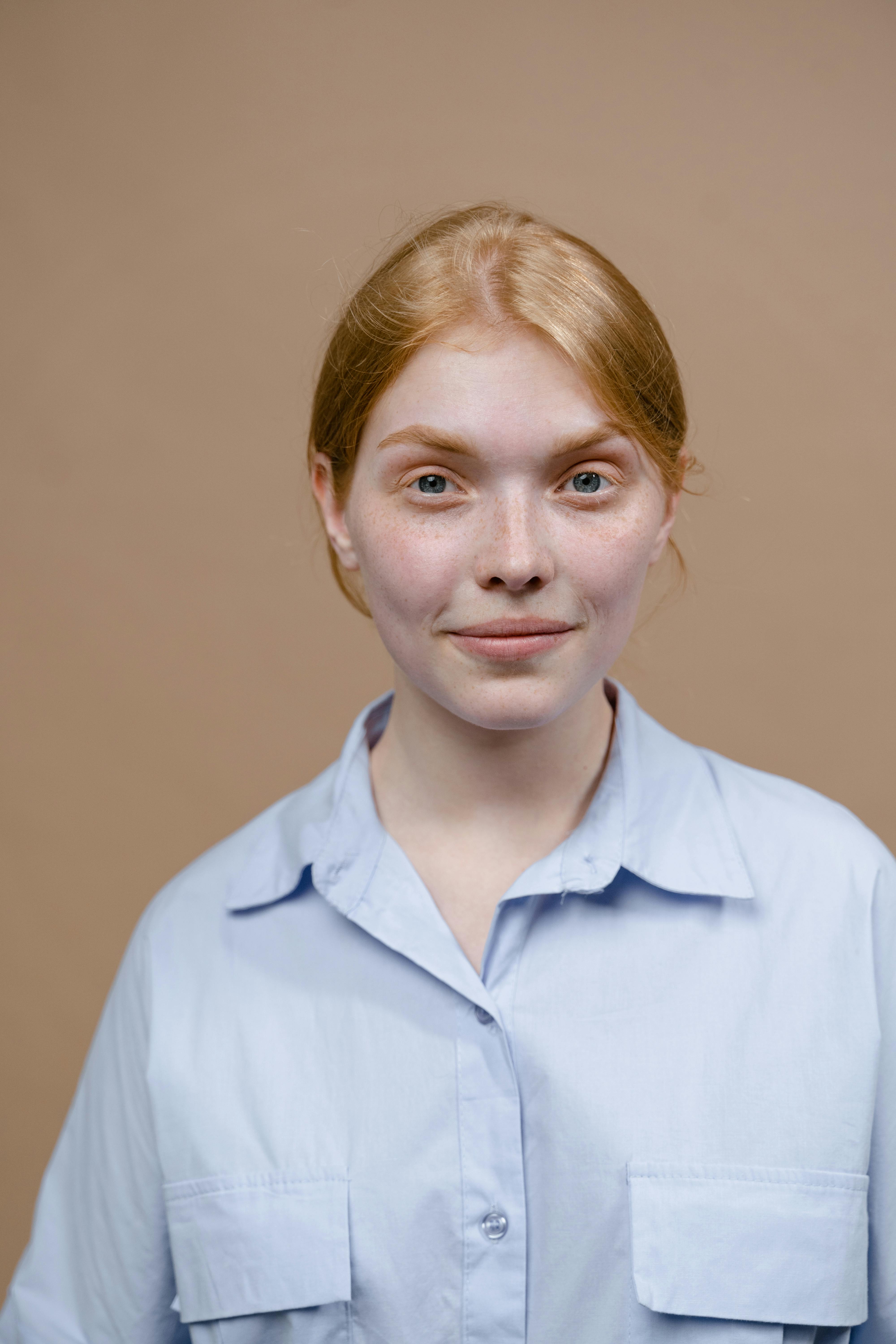
A breakdown of the top 10 most common mistakes people make with AI-generated headshots and how to avoid them.
Introduction
Headshots can be hit or miss; sometimes they hit the mark perfectly, other times they completely miss the vibe you’re going for. With many using AI headshots, it’s now easier than ever to create polished, professional portraits without the high cost and scheduling hassle of traditional photoshoots. By uploading just a few pictures, the generator produces AI photos that could easily pass for real photos since it preserves facial features while delivering overall strong image quality. Simply put, AI headshot generators are fast, user friendly, affordable, and accessible, making most headshots a “hit.”
But there’s a catch: while AI-generated headshots simplify the process, many professionals make mistakes that turn their headshots into a “miss.” Below, we’ll break down the top 10 most common mistakes people make with AI-generated headshots and how to avoid them.
1. Using Outdated or Casual Selfies Instead of AI-Optimized Photos
It’s tempting to think AI can magically fix any photo, but starting with just a few selfies that are low-quality sets you up for failure. The results from these uploaded photos will always look less polished than they could. Providing a clean, high-quality base image gives AI the material it needs to create a truly professional headshot.
2. Over-Editing Until the Headshot Looks Unreal
AI editing tools make it easy to smooth skin, brighten features, and sharpen details. But push those filters too far, and you’ll slide into the uncanny, fake-looking result. Over-polished headshots can come across as fake, which damages credibility rather than boosting it. Subtle, natural edits always work best.
3. Ignoring Brand Consistency
Your headshot should align with your professional and personal brand. A lawyer with a casual outdoorsy background or a startup founder with a stiff, corporate look creates mixed signals. AI lets you choose styles aligned with your industry so your AI headshot feels intentional, not random.
A background can make or break a headshot. Many default AI headshot generators insert generic office backdrops that don’t fit your profession. A creative designer with a sterile “courtroom” look feels off-brand. Instead, pick a background that complements your role and enhances your overall image.
5. Inconsistent Headshots Across Platfrms
Having one professional look on your LinkedIn profile picture, a casual one on Slack, and another on your company website creates a scattered image across your professional profiles. Consistency matters, especially when people view you on different social media platforms. One of the biggest advantages of AI technology is the ability to batch-generate new photos in different styles while still maintaining a unified, polished look. With AI-generated, studio quality headshots, you can ensure all your images align seamlessly with your brand, no matter where people find you.
6. Not Paying Attention to Clothing Choices
AI can generate new outfits, but that doesn’t mean every option works. Some professionals choose flashy or unrealistic clothing that distracts from their image. When creating professional AI headshots, stick to subtle, industry-appropriate outfits that convey credibility.
7. Choosing the Wrong Expression
Facial expressions set the tone of your headshot. Too stern, and you appear unapproachable; too casual, and you risk looking unprofessional. AI allows you to experiment with different looks until you find the right balance. Most often, approachable confidence is the sweet spot when creating headshots.
8. Forgetting About Diversity and Representation
Some AI tools unintentionally lighten skin tones or alter cultural features. If not corrected, this creates a headshot that doesn’t reflect your true self. Be intentional when selecting prompts and edits to ensure your headshot stays authentic and representative of you.
9. Settling for Generic AI Outputs
Default outputs from AI headshot generators can feel cookie-cutter, making your professional photos look identical to thousands of others. To stand out, upload a few photos in the input stage, adjust prompts, and make small customizations. The goal is a realistic headshot with higher realism that feels uniquely yours.
10. Not Updating Headshots Regularly
Even the best headshot loses its edge if it no longer looks like you. Many professionals use the same photo for years, which can create a disconnect. AI headshot generators make it easy to refresh and come up with new headshots every 1–2 years so your online presence always feels current.
How AI Makes Avoiding These Mistakes Easier
One of the biggest advantages of AI headshots is flexibility. Instead of booking costly traditional photo shoots with a professional photographer, generating ai headshots allows users the ability to test styles, experiment with backgrounds, and refresh their look instantly. With thoughtful use, AI ensures your headshots stay professional, polished, and consistent across every platform.
Final Verdict
AI headshots are a powerful tool, but only if you dodge the common mistakes that make them look generic or unprofessional. By avoiding these mistakes, you’ll create AI-generated professional headshots that are authentic, credible, and memorable. In a digital world where first impressions often happen online, the right AI headshot can make all the difference between being overlooked and leaving a lasting impact across social media profiles, company sites, and professional networks alike.
Frequently Asked Questions
Discover how leading companies are using Studioshot to build a memorable and consistent brand presence.
What kind of photos can I create with Studioshot?
Studioshot creates professional portraits in studio settings, office spaces , and outdoor locations. Your photos are delivered polished and ready for LinkedIn, websites, social media, dating profiles, or anywhere you want to look your best.
How quickly will I get my photos delivered?
Do you provide refunds?
Do you keep my photos private?
" height="23.8542px" id="xmMF8bmeX" width="24px"/></g></svg>)
" height="24px" id="rAYB0Dq_o" width="24px"/></g></svg>)